
To prepare for the use of your zapAgent Wilma, you have to create a user account. The following steps explain the process in detail.
Create a new user
- Open your Wilma instance in a browser.
- You will see the login screen. Click on "Sign up".
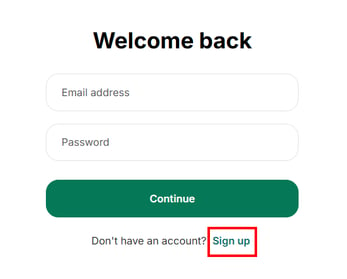
- Register with your business email address and choose a secure password.
- Click on "Continue".
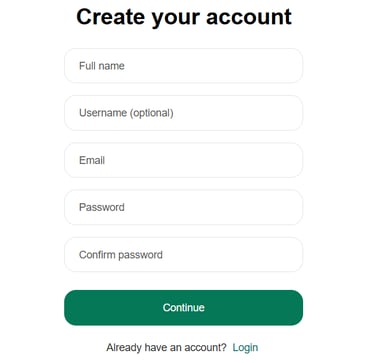
- Afterwards, you can login with your credentials.
Set up Single Sign-On
For enterprise-level usage of Wilma, we recommend SSO with Microsoft / Azure Entra. Please note that this may be mandatory depending on your internal security standards.
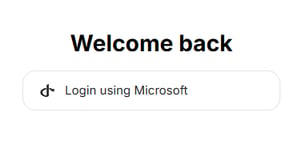
Please contact your IT department for SSO setup in LibreChat. Our Customer Success Team is happy to assist during the process.